Why Create schematics need their own viewer
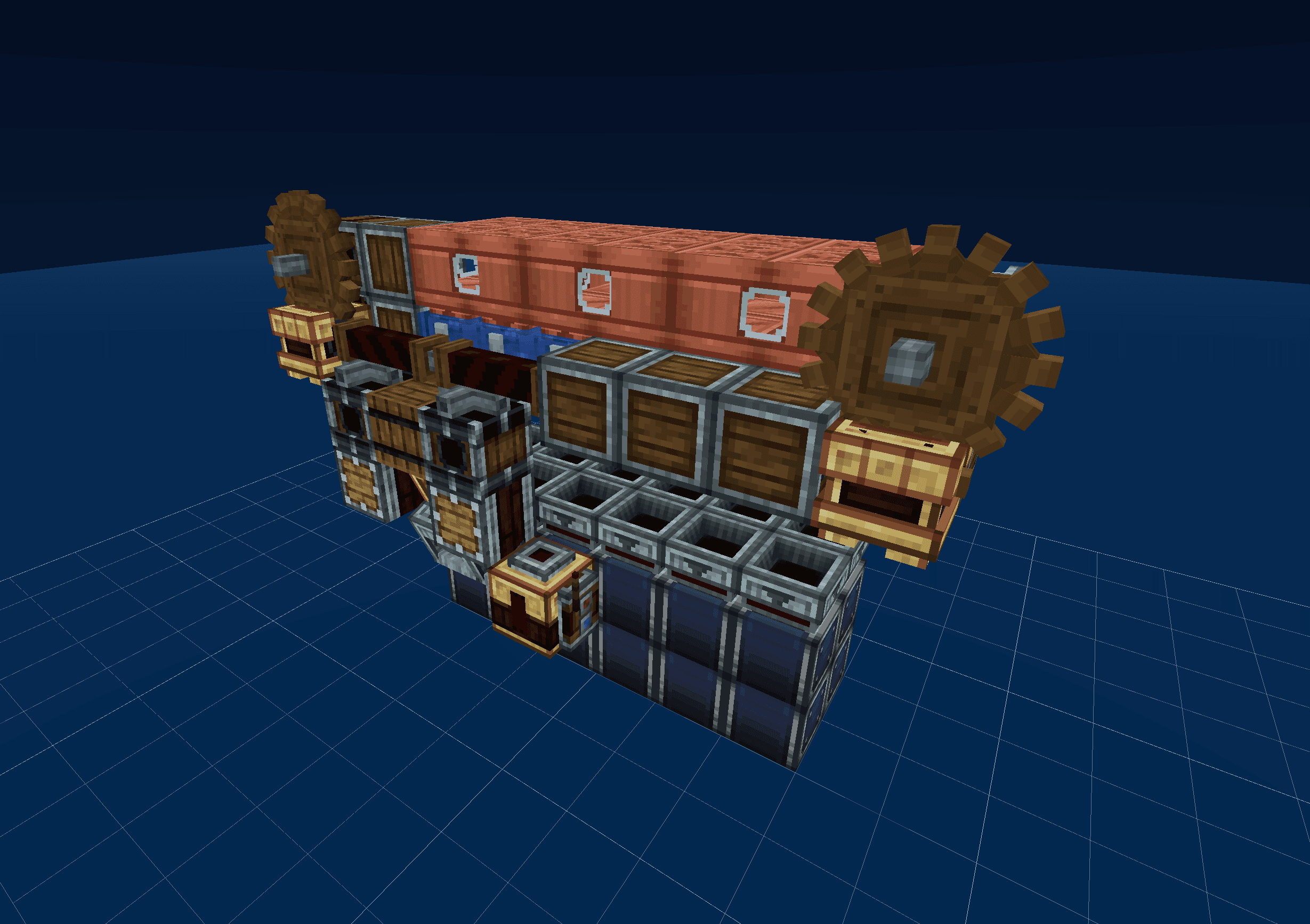
The Create mod adds hundreds of blocks with directional, multi-part, and animated geometry — cogwheels with shafts, belts with directionality, fluid pipes, deployers, brass tunnels, encased fans, and so on. Generic Minecraft schematic viewers render these blocks as missing-texture placeholders or fall back to a guess, making contraption schematics impossible to read.
Shulkr bundles model and texture assets for the full Create family — Create, Create: Aeronautics, Create: Offroad, and Create: Simulated — so a contraption schematic renders the way it would in-game. Belts run the right direction, gauges show their state, encased blocks show their casing, and addon blocks render with the right shapes.
Visualize before you build
Drop a .schem, .litematic, or .nbt file with Create content into the viewer. Use the orbit view to understand the overall layout, free-fly to inspect inside a factory, or slicer to see how every layer fits together before you start placing belts in survival.
Shulkr parses and renders Create schematics entirely in your browser. Your file never touches a server.