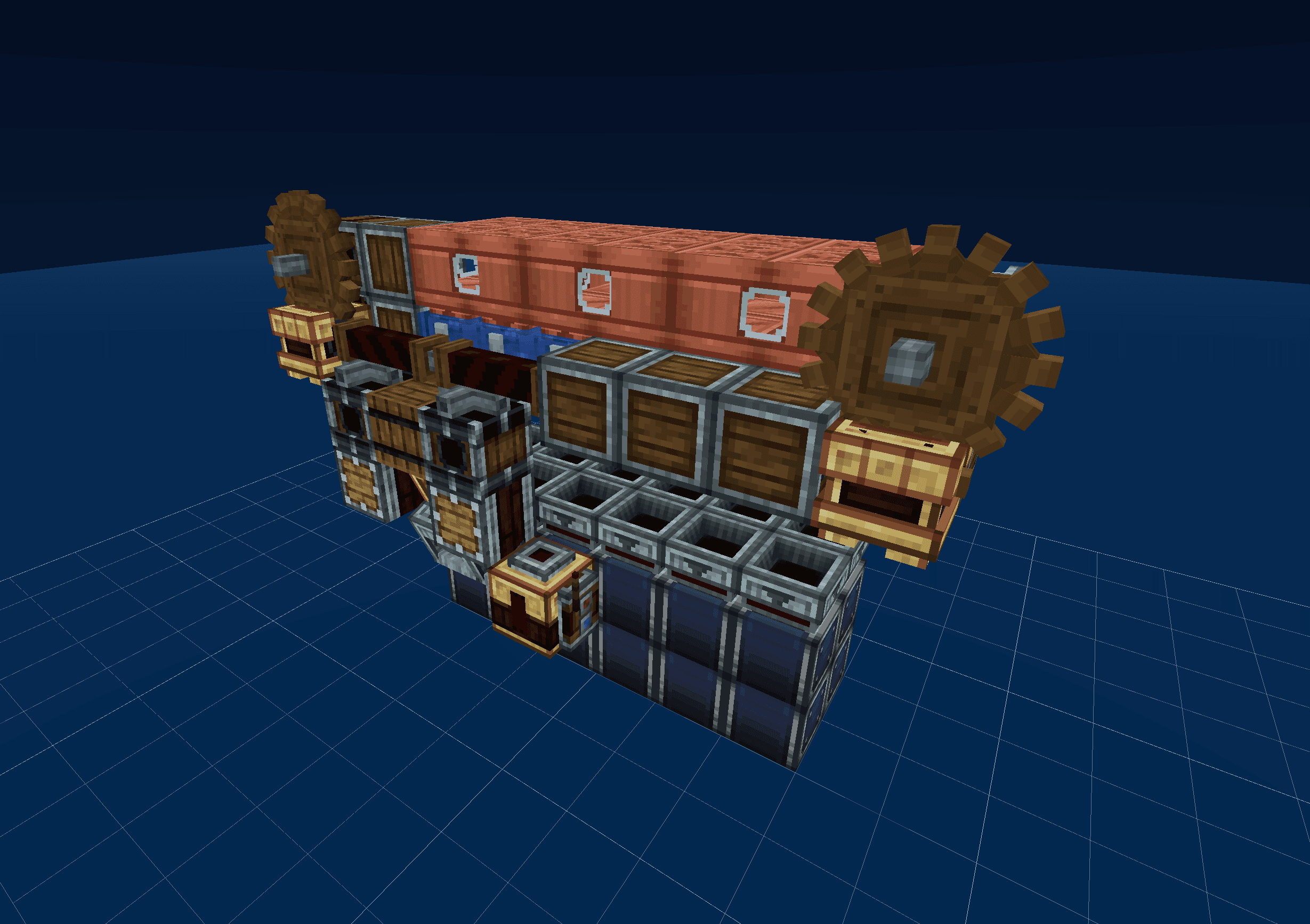
What is a Minecraft schematic viewer?
A Minecraft schematic is a snapshot of a build saved to a file. Tools like Litematica, WorldEdit, and the game's own structure blocks all export schematics — but each uses a different file format, and most are tied to in-game mods or plugins.
A schematic viewer is a way to look at those builds without launching Minecraft. Drop a .schem, .litematic, .nbt, or .mcstructure file into your browser and Shulkr parses the blocks, materials, and orientations into a 3D preview you can orbit, fly through, or step through layer by layer.
How to open a schematic
- Open the viewer and either click Open a schematic or drag your file anywhere on the page.
- Pick a view mode in the sidebar — orbit for an overview, free-fly for first-person exploration, or slicer to step through layers.
- Click any block to inspect its id and blockstate, or hold
Ctrlin slicer mode to drag-measure an area in blocks.
The viewer never uploads your file. Parsing and rendering happen entirely in your browser using WebGL, so even large schematics stay private to your device.