The home for Minecraft schematics
Browse community builds, preview any of them in the best in-browser 3D viewer, and publish your own. Every format welcome.
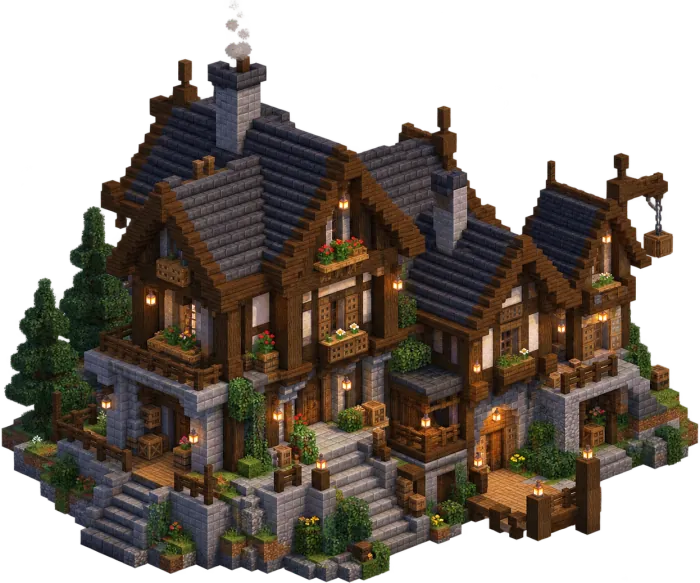
Find your next build
A searchable, filterable library of community schematics: by tag, version, size or mods.
- Preview in 3D before downloading
- Filter by version, mods or vanilla-only
- Every build in every format
 1.21.7
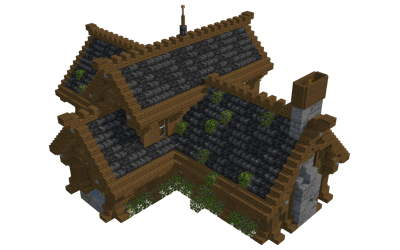 1.21.7
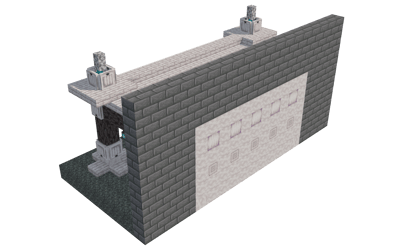 1.21.7
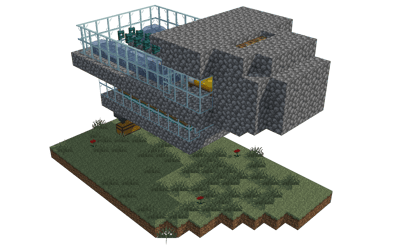 1.21.7
Publish your work properly
Every build gets a page: 3D preview, material list, versions, description, and a share link that unfurls beautifully everywhere.
- Public, link-only or private
- Likes, views and download counts
- Generated social preview cards

The best schematic viewer, in your browser
Orbit, slice layer by layer, inspect blocks, measure. At 60 fps, with no install.
- Layer-by-layer slicing
- Block picker and measurements
- Works on phones too
Edit like it's clay
Place blocks, generate shapes, run region operations, turn 3D models into blocks. Tools that would need three mods in-game.
- Model-to-block import
- Parametric shapes and brushes
- Export to any format
Any format, any direction
Litematica to WorldEdit, Java to Bedrock and back. Palettes and block states remapped automatically.
- .litematic · .schem · .nbt · .mcstructure
- Runs entirely in your browser
- Download any build in any format
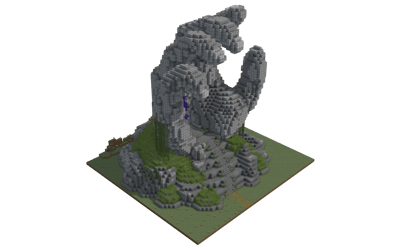
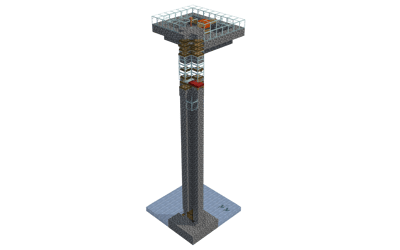
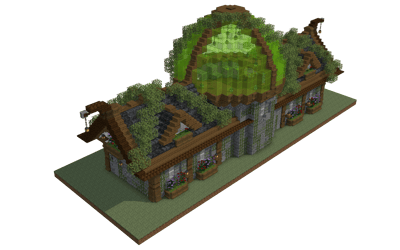
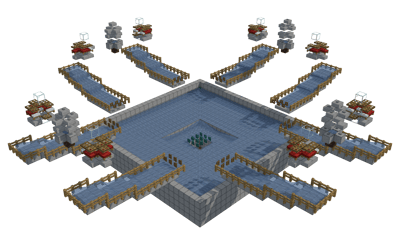
Trending this week
Publish in three steps
Upload
Drop any schematic file. We render previews and read dimensions, blocks and mods automatically.
Share
Public, link-only or private. Every link unfurls with a generated 3D preview card.
Grow
Collect likes, views and downloads. Ship new versions without breaking old links.